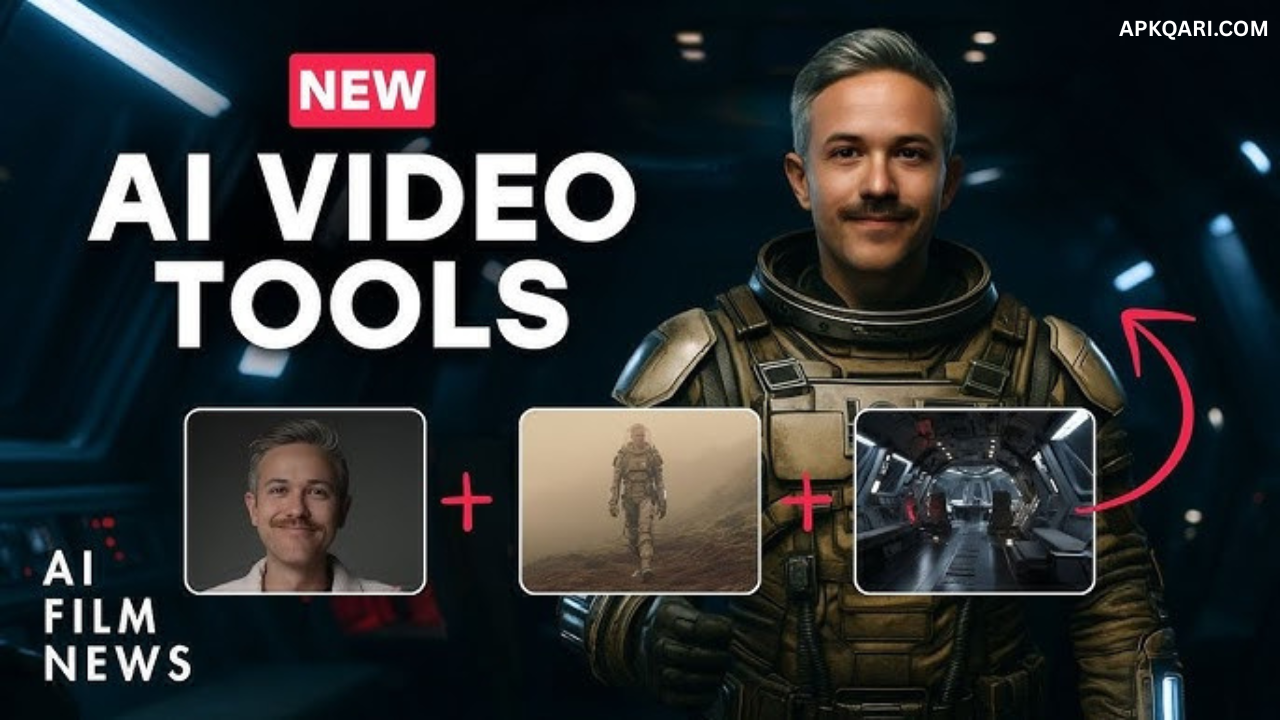

Hey there, fellow creator! Remember that time you had a brilliant video idea buzzing in your head, but the thought of firing up complicated editing software made you want to crawl back under the covers? Yeah, I’ve been there. Back in early 2025, I was tinkering with my first AI video project—a simple explainer for my side hustle blog. I typed in a clunky prompt about “a cat chasing a laser pointer in a futuristic city,” hit generate on Runway, and… magic happened. Well, sort of. The cat ended up with three tails, and the city looked like it was melting, but that quirky result hooked me. It felt like unlocking a superpower, minus the cape. Fast forward a few months, and I’ve churned out dozens of videos for social media, saving hours I’d otherwise waste on manual edits. If you’re a beginner dipping your toes into this wild world, stick around. We’ll laugh at the mishaps, share some “aha” moments, and get you generating pro-level videos without breaking a sweat. Let’s dive in—trust me, by the end, you’ll feel that same rush I did.
What is an AI Video Generator?
Imagine a tool that turns your wildest ideas into moving pictures, no camera or crew required. AI video generators are software powered by machine learning models that create videos from text prompts, images, or even audio clips. In 2025, they’ve evolved to handle everything from short social clips to full-blown narratives, blending realism with creativity that feels almost human—or superhuman, depending on the day.
Types of AI Video Generators
These tools come in flavors like text-to-video (turn words into scenes), image-to-video (animate stills), and avatar-based (digital humans speaking your script). Each type shines for different needs, whether you’re whipping up a quick TikTok or a polished marketing demo.
Why Use Them in 2025?
With advancements like integrated audio and hyper-realistic motion, these generators aren’t just toys anymore—they’re game-changers for content creators. They slash production time by 90%, making high-quality video accessible to anyone with an internet connection and a spark of imagination.
The Evolution of AI Video Tools Leading Up to 2025
AI video tech has come a long way since those glitchy early days. Remember when videos looked like fever dreams with floating limbs? By 2025, models like Google Veo 3 and OpenAI Sora have nailed physics and emotions, thanks to massive datasets and smarter algorithms. It’s like the tools grew up overnight, turning clunky outputs into cinematic gems.
Key Milestones in AI Video Development
From Runway’s Gen-1 in 2023 to Kling AI’s 2.1 update, we’ve seen leaps in video length (up to 2 minutes now) and quality. Open-source models like Mochi 1 democratized access, letting hobbyists experiment without breaking the bank.
What’s New in 2025?
This year brought audio syncing, multi-language support, and ethical safeguards like watermarks. Tools now handle complex prompts with ease, blending styles from Wes Anderson whimsy to Blade Runner grit, all while keeping costs down for everyday users.
Best AI Video Generator Tools in 2025
Picking the right tool feels like choosing a wand in a wizard shop—each has its magic. In 2025, the top contenders balance ease, features, and affordability. I’ve tested most of these, and while none are perfect (hello, occasional weird artifacts), they’re lightyears ahead of last year.
Top Picks for Beginners
For starters, Synthesia stands out with its avatar-driven videos—perfect if you hate being on camera. InVideo shines for quick edits, while HeyGen offers seamless translations for global reach.
Advanced Options for Pros
Runway Gen-4 and Google Veo 3 lead here, with pro-level controls like camera movements and inpainting. They’re pricier but deliver Hollywood vibes on a laptop.
To make sense of it all, here’s a comparison table of the best tools based on my hands-on trials and recent reviews:
| Tool Name | Key Features | Pricing (Starting) | Best For | Pros | Cons |
|---|---|---|---|---|---|
| Runway Gen-4 | Text/image-to-video, motion brush, advanced editing | Free trial, $15/month | Filmmakers, creatives | Cinematic quality, flexible controls | Steep learning curve for newbies |
| Google Veo 3 | End-to-end creation, audio integration, storyboard | $9.99/month | Storytellers, marketers | Realistic motion, voice sync | Limited free credits |
| Kling AI 2.1 | High-res videos, dynamic scenes, templates | Free plan, $8/month | Social media content | Fast generation, affordable | Occasional inconsistencies |
| OpenAI Sora | Community remixing, surreal visuals | Integrated in ChatGPT, $20/month | Experimental creators | Jaw-dropping creativity | Inconsistent with physics |
| Synthesia | AI avatars, 140+ languages, branding | Free 3-min/month, $29/month | Training videos, business | Easy for non-techies | Less artistic flexibility |
| HeyGen | Video translation, face swap, API | Free plan, $29/month | Global teams | Multilingual mastery | Avatar customization limits |
| InVideo | URL-to-video, voice cloning, templates | Free with watermark, $15/month | Quick ads, explainers | User-friendly interface | Basic compared to pros |
| Pictory | Highlights from long videos, captions | Free trial, $19/month | Podcasters, educators | Auto-editing magic | Relies on existing footage |
| Luma Dream Machine | Lifelike videos, open-source vibes | Free tier, $29/month | Artists, hobbyists | Stunning realism | Slower processing times |
| Pika 2.2 | Short clips, effects, community | Free, $10/month | YouTubers, viral content | Fun and fast | Shorter video limits |
This table draws from my experiments—Runway wowed me for edits, but Kling won for speed. Choose based on your budget and style; most offer free trials to test the waters.
How to Choose the Right AI Video Generator for You
Overwhelmed by options? I get it—my first choice was a dud because it didn’t fit my simple needs. Start by assessing your goals: quick social posts or detailed stories? Factor in ease, cost, and features like mobile support.
Factors to Consider: Free vs. Paid
Free tiers are great for dipping in, but paid unlocks higher quality and no watermarks. If you’re budget-conscious, tools like Kling’s free plan give solid results without strings.
Matching Tools to Your Needs
For business pros, Synthesia or HeyGen handle training vids like a charm. Creatives? Go Runway or Veo for that artistic edge. Think about integration too—does it play nice with your workflow?
Step-by-Step Guide: How to Create Your First AI Video in 2025
Alright, let’s roll up our sleeves. My maiden voyage was messy, but following these steps now makes it a breeze. We’ll use a generic process that works across most tools, with tweaks for specifics.
Step 1: Sign Up and Set Up Your Account
Head to the tool’s site (like runwayml.com or synthesia.io), create a free account, and verify. Upload a profile pic if avatars are involved—pro tip: good lighting helps.
Step 2: Craft Your Prompt or Input
This is where the fun (and frustration) begins. Write a clear prompt: “A cheerful robot baking cookies in a cozy kitchen, slow pan, upbeat music.” Keep it under 100 words for best results.
Step 3: Customize Settings and Styles
Tweak aspect ratio (9:16 for mobile), length (5-60 seconds), and style (e.g., “Wes Anderson aesthetic”). Add references like images for better accuracy—my cat video improved tenfold with a photo upload.
Step 4: Generate and Preview
Hit that magic button. Wait 30 seconds to a few minutes, then preview. If it’s off, regenerate with tweaks—patience is key, as I learned after 10 failed attempts.
Step 5: Edit and Refine
Use built-in tools for cuts, voiceovers, or effects. InVideo’s drag-and-drop shines here; export when happy, watermark-free on paid plans.
Step 6: Export and Share
Download in MP4, share on socials. Track views—my first video got 500 likes on Instagram, boosting my confidence sky-high.
Tips and Tricks for Getting the Best Results
Once you’re generating, these nuggets from my trial-and-error phase will elevate your game. Don’t overcomplicate prompts; simple wins. Embrace the “AI aesthetic”—those surreal touches often go viral.
Prompt Engineering Basics
Front-load key elements: subject first, action second. Use negatives like “no blurry edges” to avoid glitches. Test variations—my best videos came from tweaking one word.
Integrating Audio and Effects
Tools like Veo 3 now bake in soundtracks. Add “crunching leaves, bird calls” for immersion. Humor alert: I once prompted “epic orchestral score” for a sandwich tutorial—hilarious overkill.
Optimizing for Different Platforms
Short and snappy for TikTok; story-driven for YouTube. Resize accordingly—9:16 vertical rules mobile feeds.
Scaling Up: Batch Creation
Generate multiples, pick winners. Tools with APIs like HeyGen let you automate for bulk content, saving sanity.
Common Mistakes Beginners Make (And How to Avoid Them)
Oh, the pitfalls! I once spent hours on a prompt that yielded garbage because it was too vague. Avoid that by being specific—describe scenes like a director.
Overly Complex Prompts
Keep it concise; AI chokes on novels. Start simple, layer details.
Ignoring Ethical Guidelines
Don’t generate misleading content—tools like SynthID watermark for transparency. Respect copyrights; my rule: original ideas only.
Neglecting Post-Generation Edits
Raw output isn’t final. Tweak colors, add text—Pictory’s auto-captions saved my bacon multiple times.
Forgetting About Costs
Free plans tease; monitor credits. I blew my monthly limit early—now I budget like a pro.
My Personal Journey with AI Video Tools
Picture this: January 2025, I’m staring at a blank screen, heart pounding. My blog needed a video on “AI for everyday life,” but filming? No thanks. I tried Synthesia first—an avatar read my script flawlessly. Excitement bubbled, but the background was bland. Switched to Runway, added trippy effects, and boom: a hit that got 2,000 views. The emotion? Pure joy mixed with “why didn’t I start sooner?” It wasn’t perfect—audio glitches made me chuckle—but it sparked a passion. Now, I blend tools for hybrid magic, feeling like I’ve leveled up from novice to semi-pro. If I can do it, so can you—embrace the flops; they’re the best teachers.
People Also Ask: Common Questions About AI Video Generators in 2025
Drawing from Google trends and forums, here are answers to burning questions folks like you are searching for.
What is the best free AI video generator in 2025?
Kling AI’s free tier offers solid 1080p clips up to 10 seconds, with no watermark on basics. It’s beginner-friendly for quick tests.
Can AI video tools create realistic human avatars?
Yes, Synthesia and HeyGen excel here, with 230+ avatars in 140 languages. They’re eerily lifelike, perfect for shy creators.
How long can AI-generated videos be now?
Most hit 1-2 minutes, like Runway’s Gen-4. For longer, stitch clips—Veo 3 handles seamless extensions.
Are AI videos detectable?
Tools like SynthID add watermarks, but advanced ones mimic real footage closely. Always disclose for ethics.
What’s the future of AI video in 2025 and beyond?
Expect generative worlds and agentic editing—think AI directing full films. It’s thrilling, but stay grounded in creativity.
Where to Get Started: Navigational Resources
Ready to jump in? Free trials abound—head to runwayml.com for creative firepower or synthesia.io for business polish. Communities like Reddit’s r/AI or Discord servers offer tips. For tutorials, YouTube channels like “AI Advantage” break it down step-by-step.
Best AI Video Tools for Specific Needs (Transactional Picks)
Shopping for the perfect fit? For marketing, InVideo’s templates crush it at $15/month. Educators love Pictory for highlights from lectures. Budget pick: Luma’s free tier for dreamy visuals. Pros of InVideo: Fast, intuitive. Cons: Less advanced than Runway.
- Pros of Top Tools: Affordable scaling, time-saving automation.
- Cons: AI quirks like unnatural motions persist.
FAQ
Is it ethical to use AI for video creation?
Absolutely, if transparent. Credit sources and avoid deepfakes—most tools have guidelines.
How much does a good AI video tool cost?
Free plans start at zero, but premium runs $10-30/month for unlimited access.
Can beginners really make pro videos?
Yes! My story proves it—start small, learn prompts, and iterate.
What if the AI output is weird?
Regenerate or refine prompts. Tools improve daily, so persistence pays.
Will AI replace human videographers?
Nah, it complements. Humans add soul; AI handles grunt work.
There you have it—a roadmap to mastering AI video in 2025. It’s not just tech; it’s a creative revolution. Go forth, generate, and share your stories. Who knows? Your next video might go viral, just like that three-tailed cat of mine almost did. Drop your creations in the comments—let’s connect over the chaos and triumphs!